
Manage your membership profile and business-listing access.
Control account details, security settings, and business-listing content while keeping your profile accurate and current.
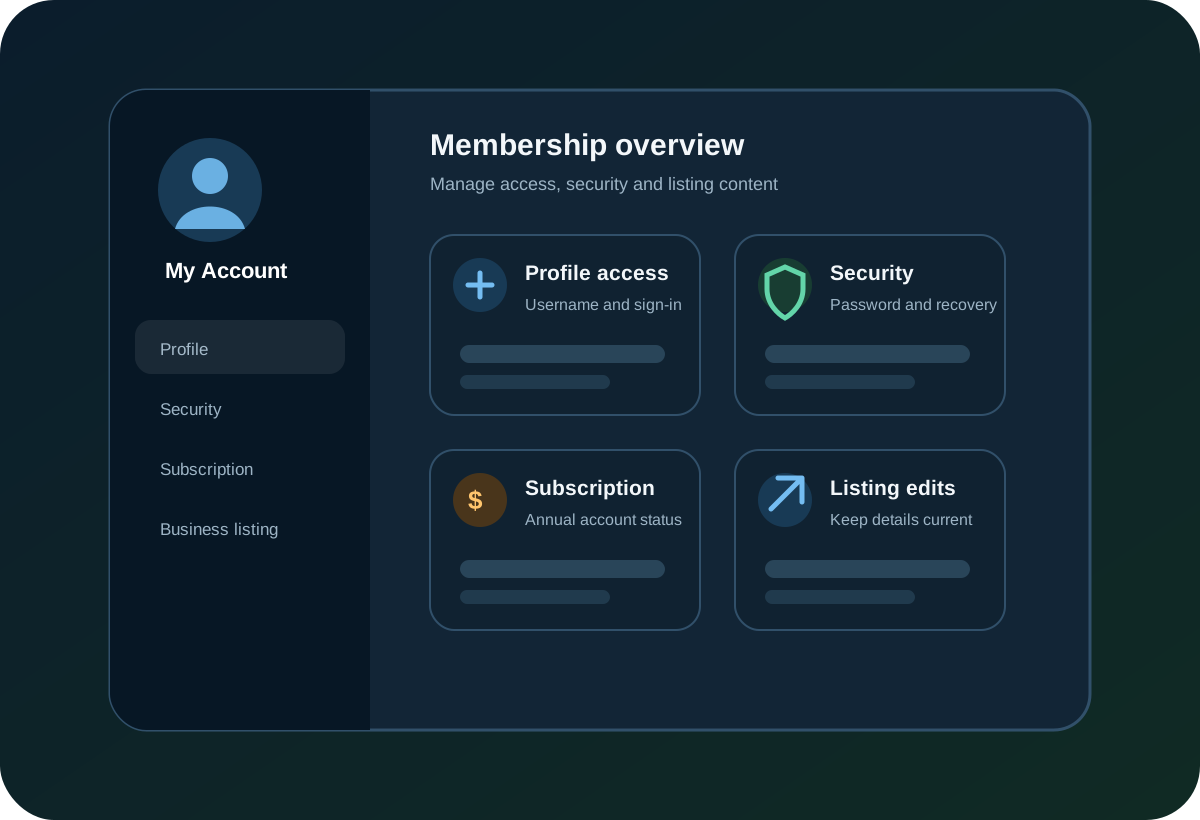
Your account connects profile management with business-listing controls.
Your account is where you prepare working listings, manage profile information, and maintain published business content. A paid annual plan is required when you are ready to publish.
Published business presence
Maintain current company information, profile content, website and social links, and supported media on your published listing.
Working-listing control
Update supported business details, social links, profile content, and videos as your information changes, then publish under the rules of your plan.
Annual publishing plans
Choose publishing capacity when you are ready to go live. Current prices and plan limits are maintained on the Listing Services and Account Overview pages.
Saved edits are maintained in the working listing. Making those changes public is subject to the applicable publishing state, plan limits, and publish cooldown.
A paid annual plan activates publishing capacity. Plan limits work together with content standards and publishing controls to support a directory built around legitimate, maintained business information rather than unrestricted submissions.
Four areas keep your account and listing under control.
These areas are related, but you can review them in any order based on what you need to change.
Manage your membership profile
From your member area, manage the account details used to access and recover your profile.
- Username and sign-in credentials
- Password and account security
- Secure local email-and-password authentication
- Profile recovery and password-reset options
Username management
Your username identifies your account. Available actions may depend on how the account was registered.
- Activate a new username after registration
- Change your username when needed
- Manage your local account username and password
Username changes take effect immediately and do not require approval.
Password and account security
Use the built-in security tools to protect access to your membership profile.
- Change your password at any time
- Reset your password if you forget it
- Complete additional verification during sensitive actions
Choose a strong, unique password and update it periodically for better security.
Keep listing content current
Use the working listing to keep business information aligned with promotions, seasonal changes, corrections, and operational updates.
- Edit supported business details when information changes
- Update social links, profile content, and videos
- Review the working copy before making changes public
- Publish or republish when the account state and plan cooldown allow it
You can prepare corrections and updates in your managed listing while keeping the public publishing rules explicit.
Keep the listing useful, current, and consistent.
A complete, maintained listing gives prospective customers more current information and clearer paths to your company's website, social channels, media, and contact details.
- Maintain up-to-date business information.
- Connect social-media links and profile content.
- Publish embedded videos with useful descriptions.
- Keep branding consistent across platforms.
Useful, current public information can support discoverability and customer click-through opportunities, but the directory does not guarantee search-engine indexing, rankings, traffic, leads, or other search-performance outcomes.
Keep your account secure and your business information current.
Your membership gives you the tools to prepare and maintain business-listing content. Paid annual plans determine publishing capacity and related limits when you are ready to make a listing public.